
Let the routinerun itself
We connect the tools you already use and let the routine steps run on their own — syncs, drafts, reminders, alerts — so nobody copies numbers by hand. Where it helps, AI reads documents and writes the first draft. A person still approves anything that moves money.
- Connects
- POS, accounting, CRM
- Runs
- Schedules, reminders, reports
- AI reads
- Invoices, forms, menus
Before / after
How one workflow runs
- 01Invoice arrivesEmail, photo or PDF
- 02 · AIRead & matchLines, prices, supplier
- 03 · PersonApproveOnly what changed
- 04Costs updateInventory, margins
- 05Alert & reportWho needs to know
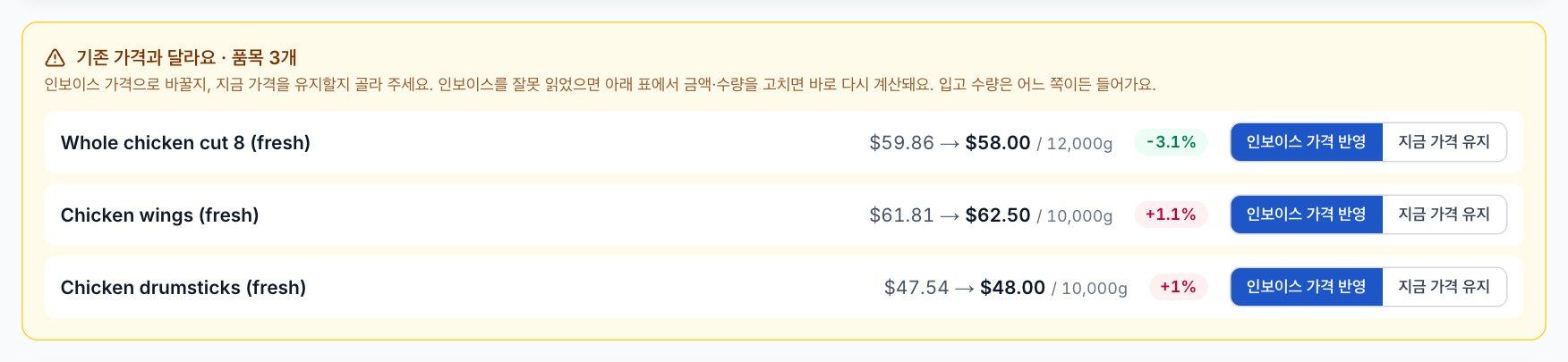
Running today inside AIO Franchise OS — one AI step, three automated ones, one person.
Working automation, not a slide deck.
- 01A map of every task we automate, and who still approves what
- 02The workflows, live in your tools — not one more app to learn
- 03A log of every automated action, readable by anyone
- 04Hours saved, measured before and after
- Your POS
- Accounting
- Google Workspace
- Microsoft 365
- Payments
- CRM & email
No tool for it? We build the missing piece — see Systems & apps.
Questions
Do we need AI?
Often not. Most of the time saved comes from connecting tools and removing manual steps. We add AI only where it reads or drafts faster than a person has time to — and show you the difference.
What if an automation gets it wrong?
Anything that changes a price, a payment or a payroll number waits for a person to approve it, and every step is logged so you can see what happened.
We’re a small company. Is this for us?
Usually more so. One automated task often frees hours a week that a small team feels at once. The audit tells you whether it’s worth it before you spend on a build.
Pick one problem.
We’ll fix it
A 30-minute call. We ask how the work gets done today and tell you honestly whether a system would pay for itself.